Understanding HTML Tags and Elements
Why HTML is so important that we need to think again...
What HTML is and why we use it?
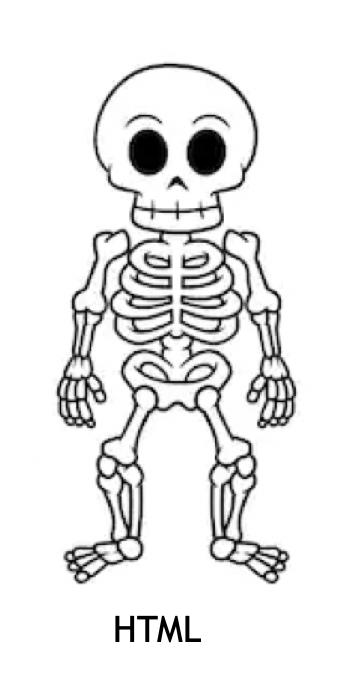
Just as a skeleton provides the essential structural framework for the human body, HTML (HyperText Markup Language) serves as the structural foundation of a webpage. It organizes content into a hierarchy that the browser can interpret, ensuring every 'organ'—like text, images, and links—is held in its proper place.
What is an HTML tag?
An HTML tag consists of a keyword enclosed in angle brackets (
< >). A complete element is made up of three parts:
Opening Tag: For example,
<p>. This signals where the element begins.Content: The text or data placed between the tags that will be displayed in the browser.
Closing Tag: For example,
</p>. This includes a forward slash to signal where the element ends.Together, the opening tag, the content, and the closing tag form a single HTML element.
Self-closing (void) elements
While most HTML elements act as containers with a start and end, void elements (often called self-closing) do not have any content and therefore do not require a closing tag.
| Tag | Purpose | Example |
<img> | Embeds an image. | <img src="logo.png" alt="Logo"> |
<br> | Inserts a single line break. | First line <br> Second line |
<hr> | Defines a thematic break (horizontal rule). | <hr> |
<input> | Creates an input field for forms. | <input type="text"> |
<meta> | Provides metadata about the document. | <meta charset="UTF-8"> |
<link> | Links external resources (like CSS). | <link rel="stylesheet" href="style.css"> |
Block-level vs Inline elements
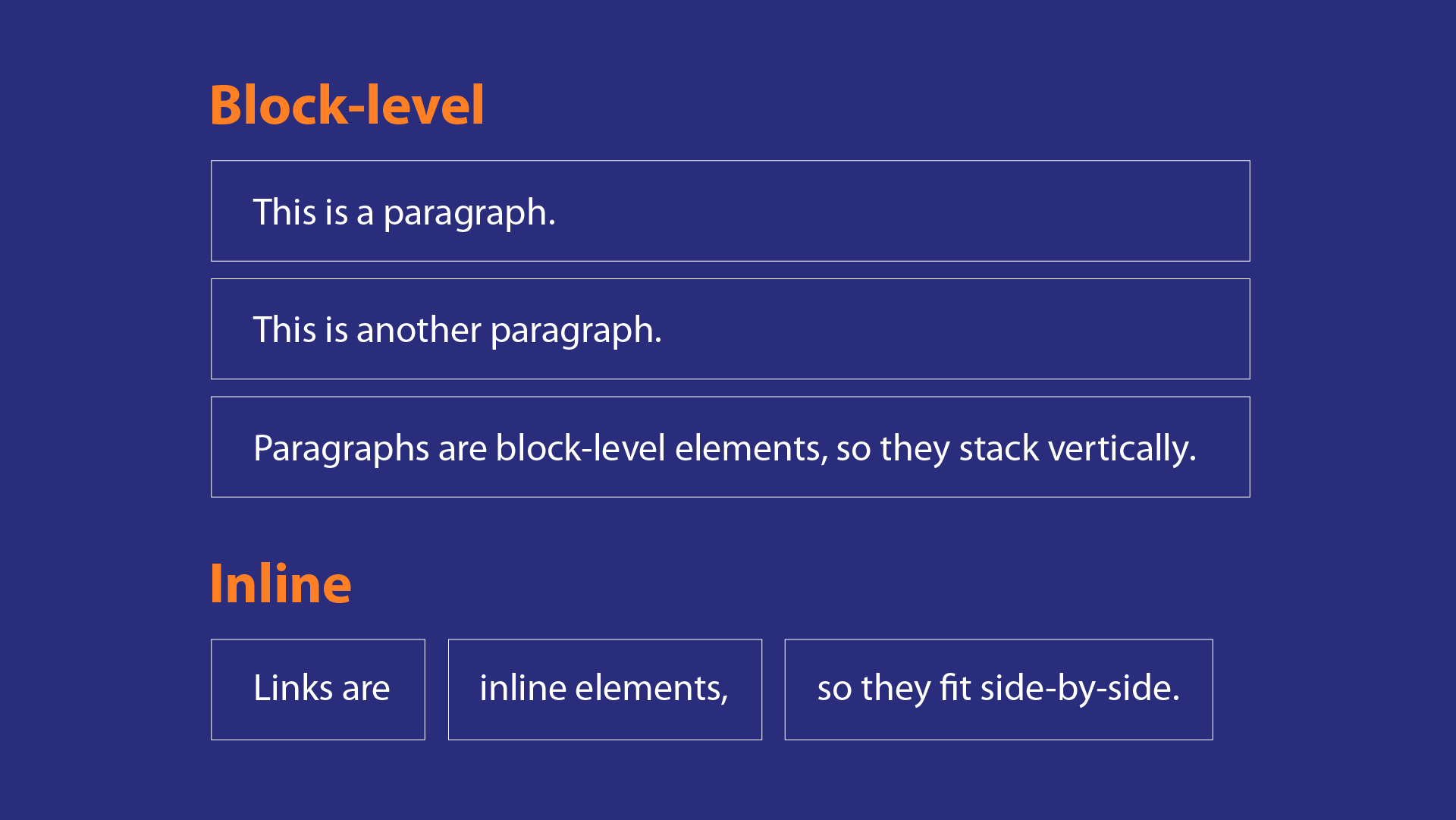
Block-Level Elements:
A block-level element always starts on a new line and takes up the full width available within its parent container.
Common examples:
<div><p><h1>to<h6><ul>,<ol>,<li><header>,<footer>,<section>,<article>,<nav>(semantic elements)<table>,<form>
Inline Elements:
An inline element does not start on a new line and only takes up as much width as is necessary to contain its content.
Common examples:
<span><a><img><strong>,<em>,<b>,<i><input>,<button>,<label><code>
Commonly used HTML tags
These tags provide the "brain" and the boundary for the document. They aren't usually visible on the page itself.
Root Tags
<html>: The root element that wraps all your content.<head>: Contains background info like the title and links to CSS.<title>: Sets the name shown on the browser tab.
Text Content Tags
These are the most frequently used tags for displaying information.
<h1>to<h6>: Headings<h1>is the most important.<p>: Defines a paragraph of text.<ul>/<ol>: Unordered (bulleted) and Ordered (numbered) lists.<li>: The specific "List Item" inside a list.<a>: The anchor tag used for hyperlinks (e.g.,<a href="url">link</a>).
Media & Interactive Tags
These bring the skeleton to life with images and functionality.
<img>: (Void) Embeds an image.<button>: Creates a clickable button.<form>: A container for user input.<input>: (Void) A field where users can type data.

